Sessions that cycle
Focus, break, focus, with a round counter, straight from the menu bar. Working Hours can start and end the day for you.
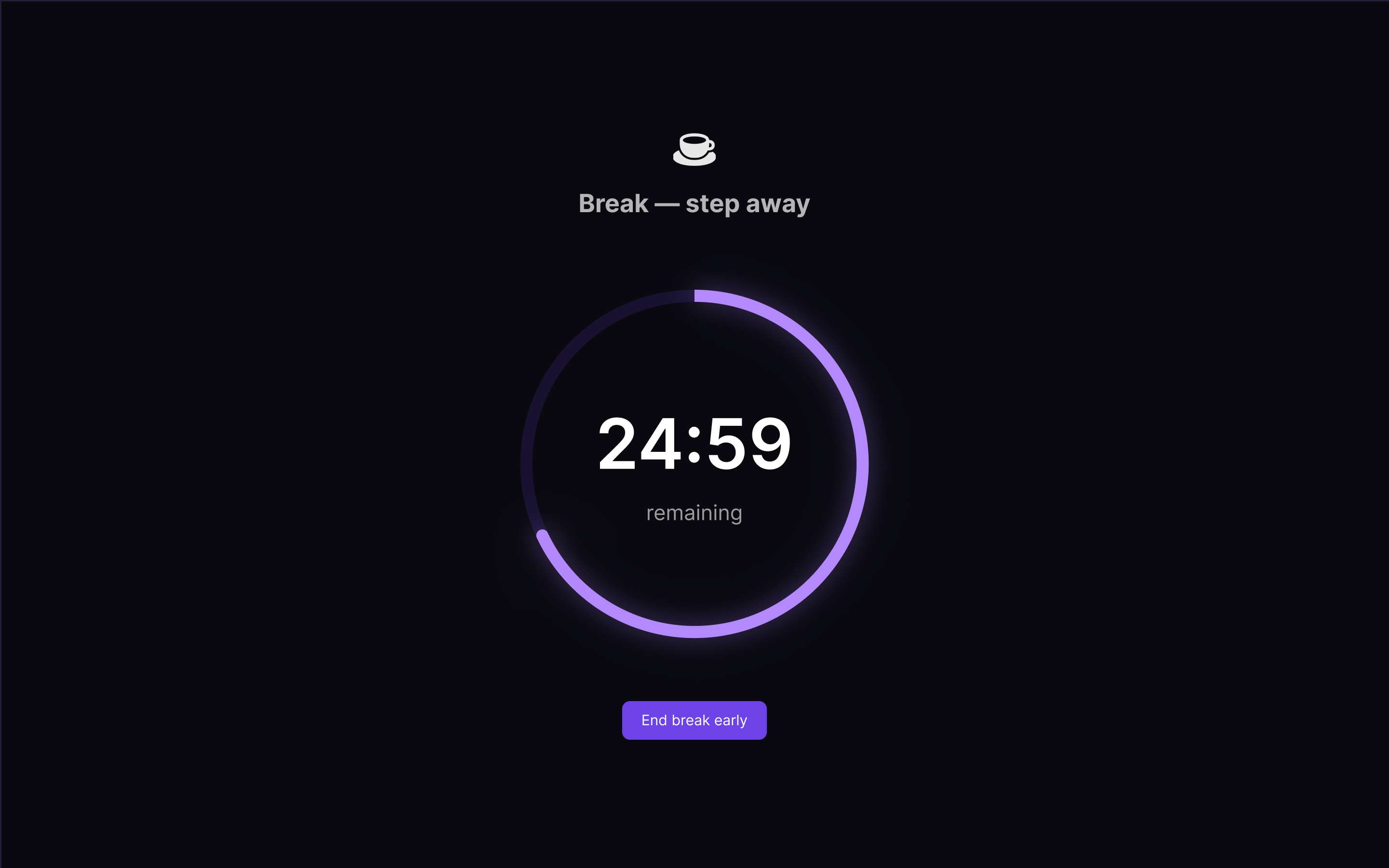
Set a length and work. When the time is up a full-screen overlay takes every display, and it stays there until the break is done. Start on your Mac, carry on from your phone.
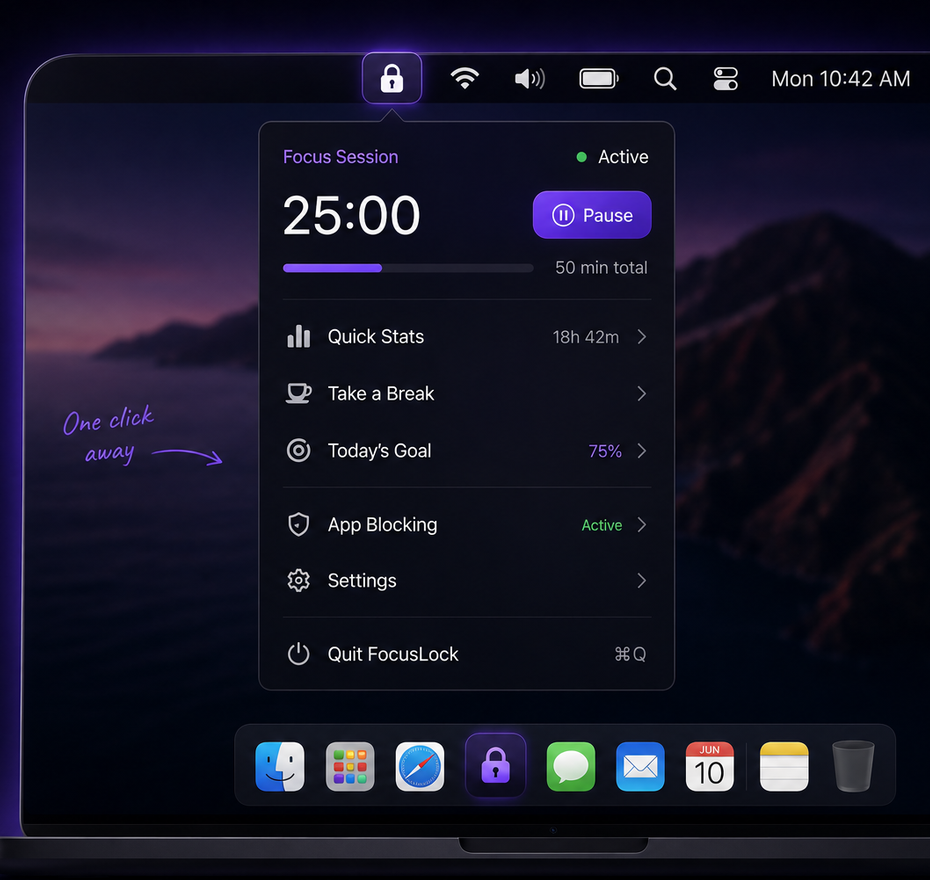
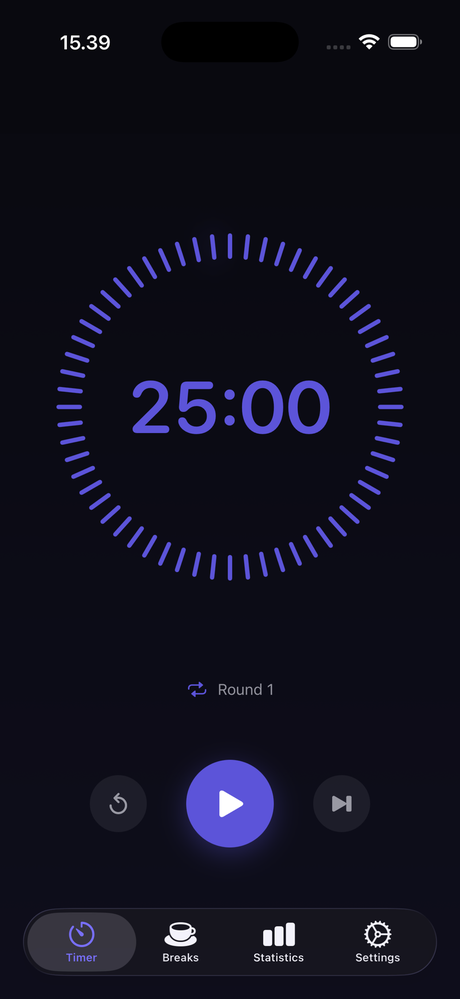
A notification you can swipe away is a suggestion. FocusLock covers every monitor you own, so there is nothing left to work through.
Focus, break, focus, with a round counter, straight from the menu bar. Working Hours can start and end the day for you.
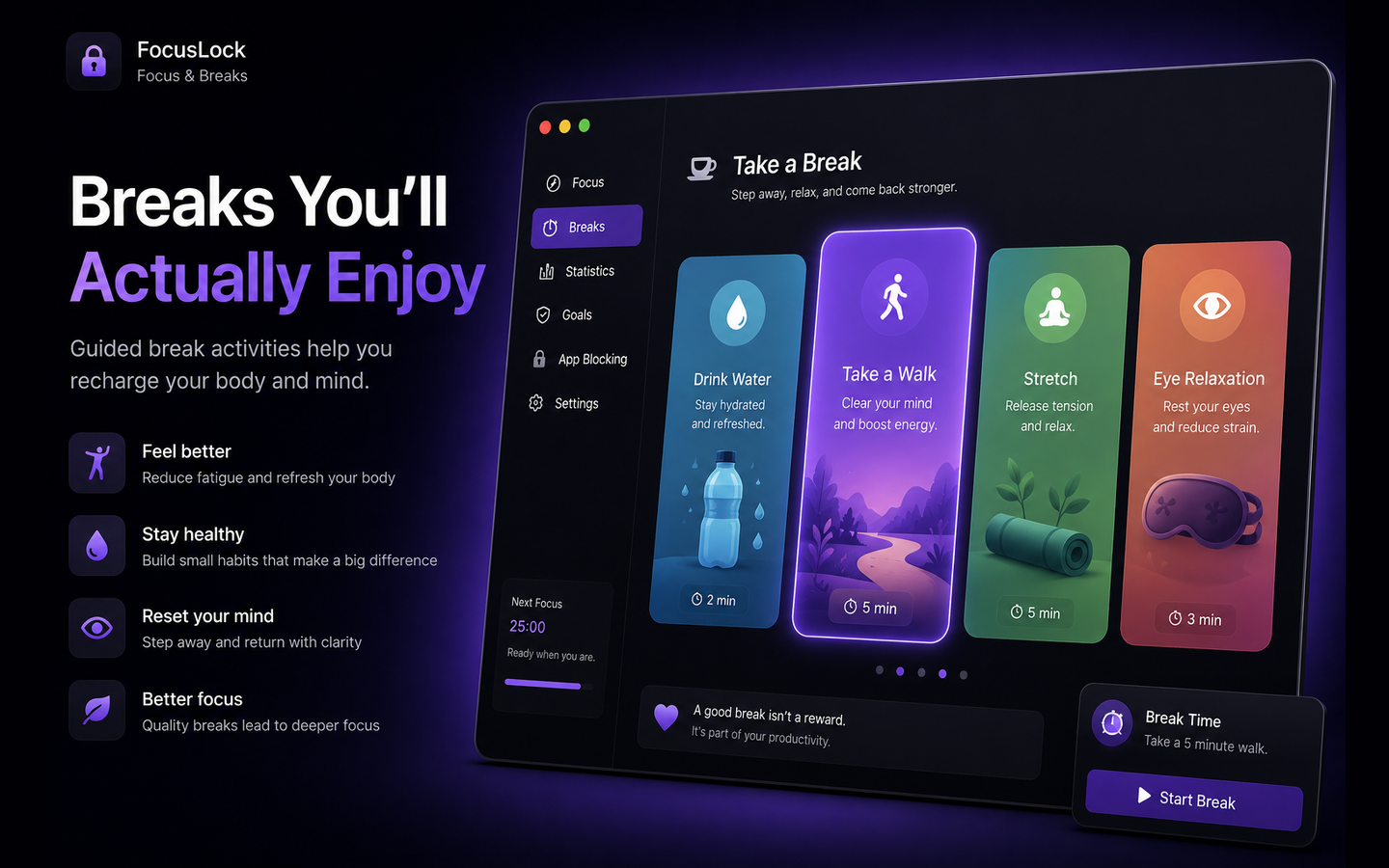
Grouped so you pick a kind then pick one: Move, Breathe & Reset, Nourish, Mind, Surroundings. Each with a suggested length.
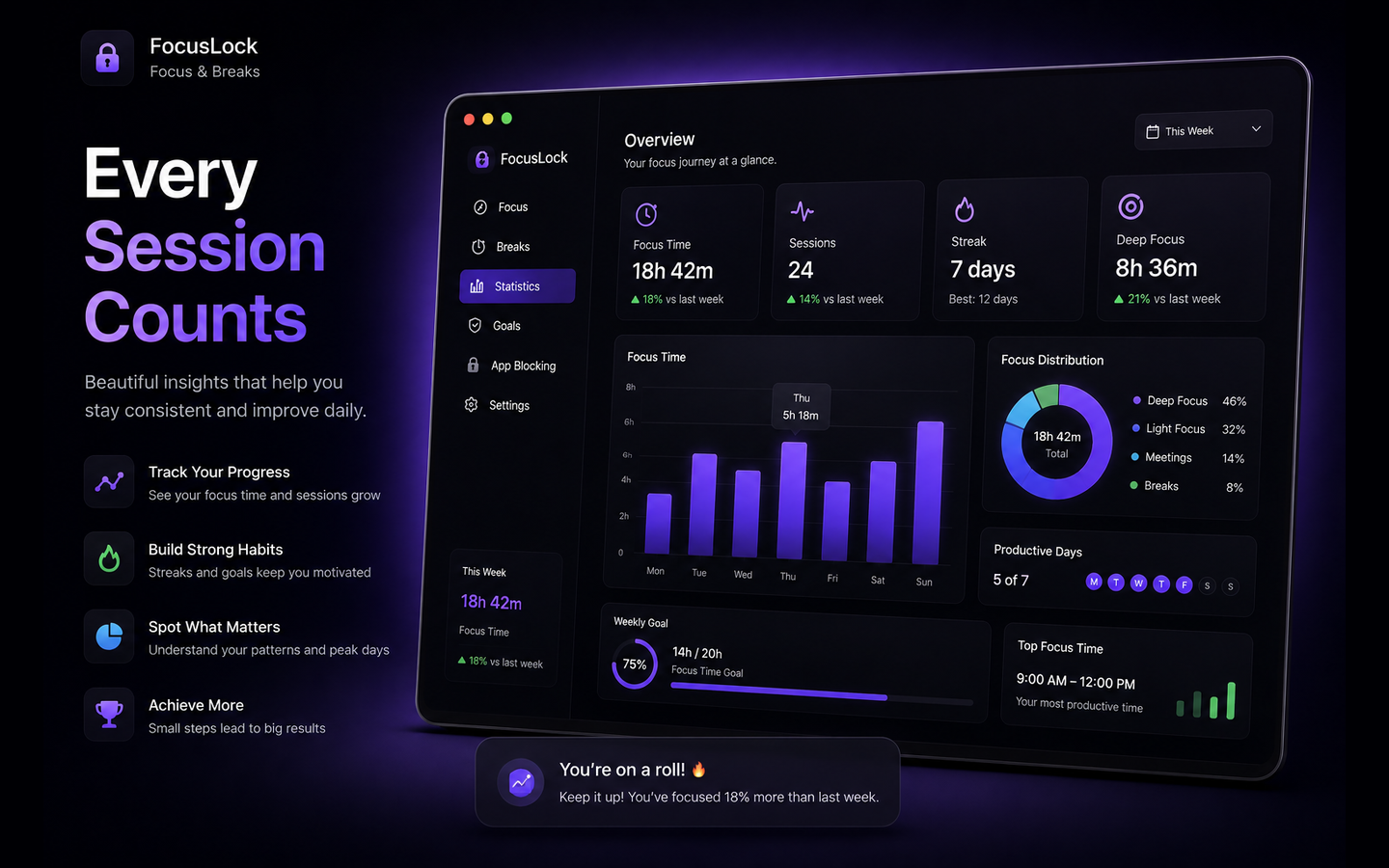
Focus time by day, week and month, which areas took the hours, and the window of the day you are reliably sharpest.
A running session appears on your iPhone and keeps counting. Settings follow, so both behave like one app.
With iCloud on, a running session appears on your other device and keeps counting there. Your settings follow too, so the two behave like one app rather than two installs sharing a name.
A live countdown beside the clock, a floating window, or a compact Mini HUD, whichever gets out of your way.
The running session picks up mid-count. A Shortcuts automation can switch on a system Focus mode while it runs.
Sync runs through your own account. We operate no servers and receive nothing. Leave it off and nothing leaves the Mac.
Twenty-five guided activities, from a two-minute glass of water to a fifteen-minute walk outside.
Staring at the same screen for five minutes is not a break, and an empty timer is why most people take one anyway.
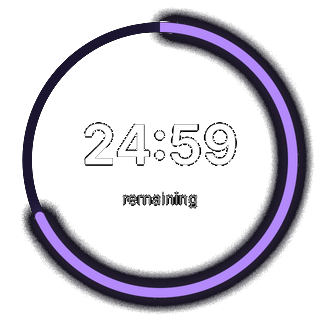
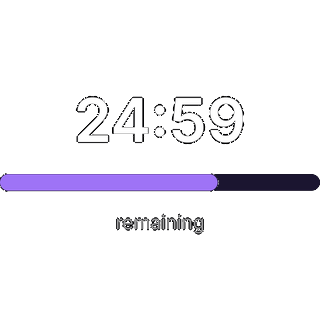
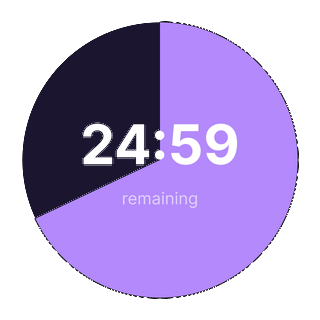
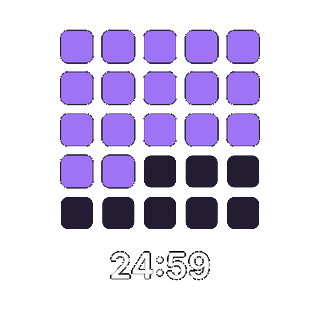
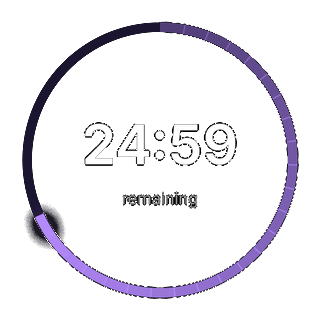
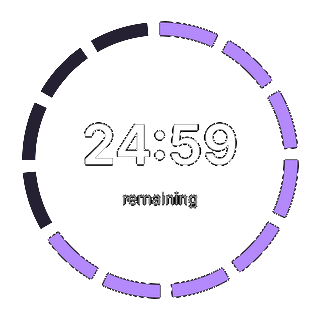
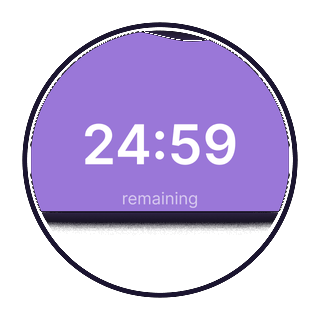
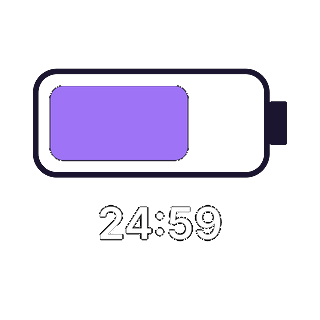
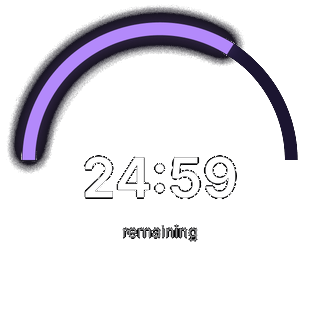
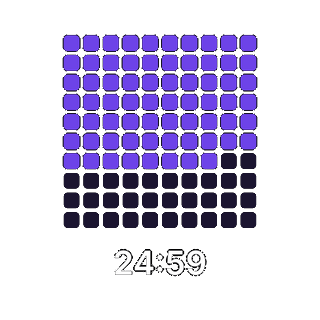
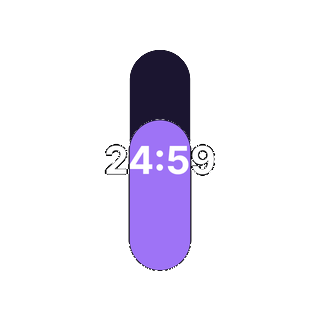
A timer you look at forty times a day should be one you like looking at. All twenty, each with a live preview, in ten colour themes.
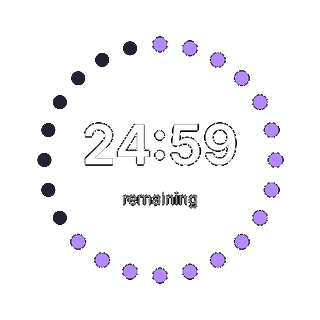
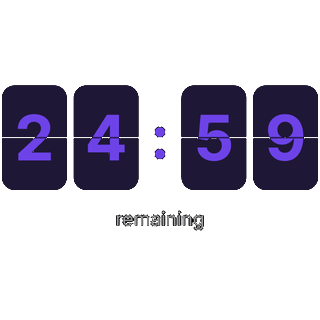
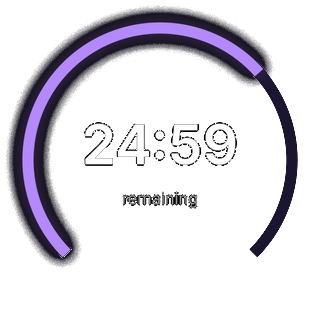
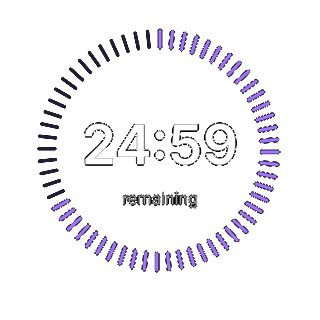
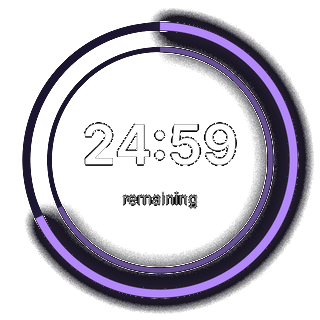
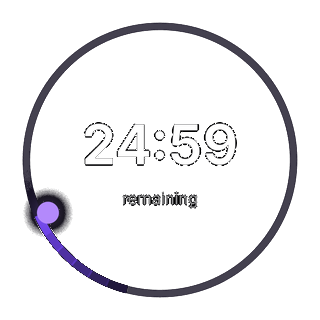
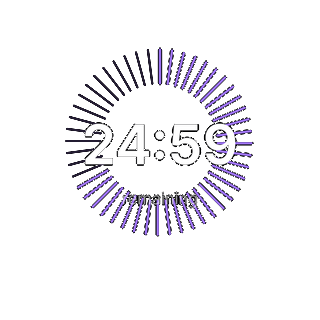
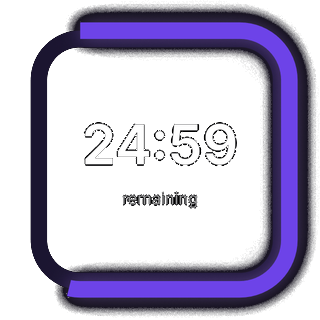
No streaks to protect and no score to game, just where the hours went.
Everything that enforces a break is free. Pro is for the full run of faces and themes.
$0
The whole mechanism, not a trial of it.
For the full run of faces and themes.
Pro is not purchasable yet. These are the planned prices; the buttons arrive when the store listing does.
The part that changes how you work, the enforced break, is the whole point of the app. Charging for it would make the product worse.
Pro pays for the parts that are pure preference: more ways to draw the same countdown, and more colours to draw it in.
By default yes, the overlay has an end-early button. Turn on Strict break and it does not: the break runs its full length. Lock Mac during break goes further and locks the machine.
Not in the way that phrase usually means. FocusLock can push a distracting app back to the background with a reminder while a session runs, on macOS only. It cannot force-quit apps, and it does not filter the web — a sandboxed App Store app cannot do either.
Only what you sync, and it goes to your own iCloud account. There are no third-party servers, no analytics and no telemetry. With sync off, your sessions and settings never leave the machine.
No. Sign in with Apple exists so your devices can recognise each other, and it is entirely optional.
Yes, it is its own App Store listing. Both apps read the same session over iCloud, so a timer started on one keeps counting on the other.
macOS 14 or later, on Apple silicon and Intel. The iPhone app requires a recent iOS release.
Free on both stores. macOS 14 or later on Apple silicon and Intel, plus iPhone.